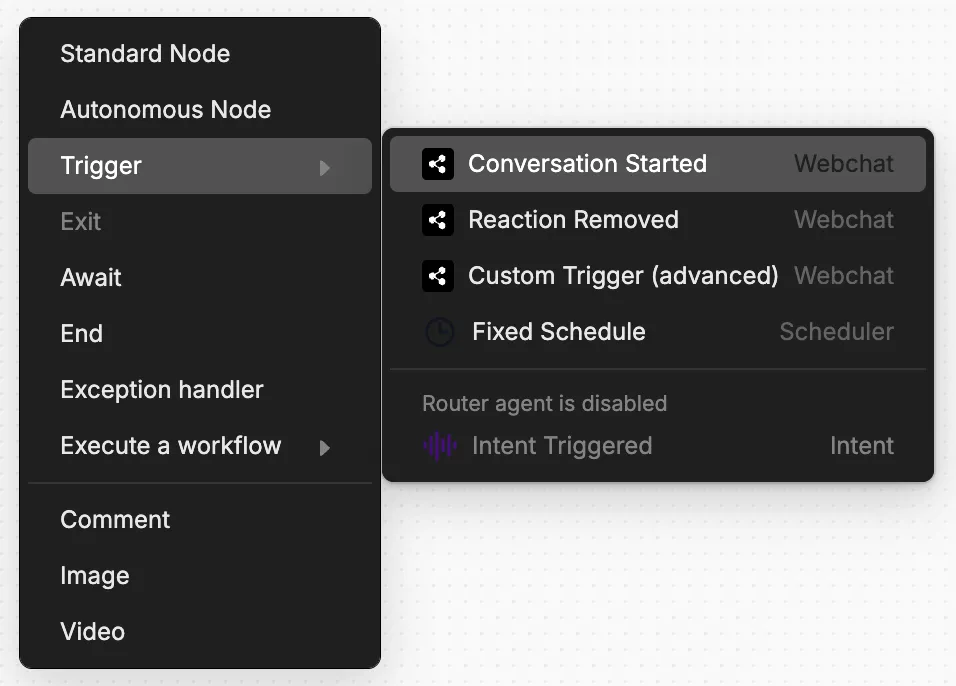
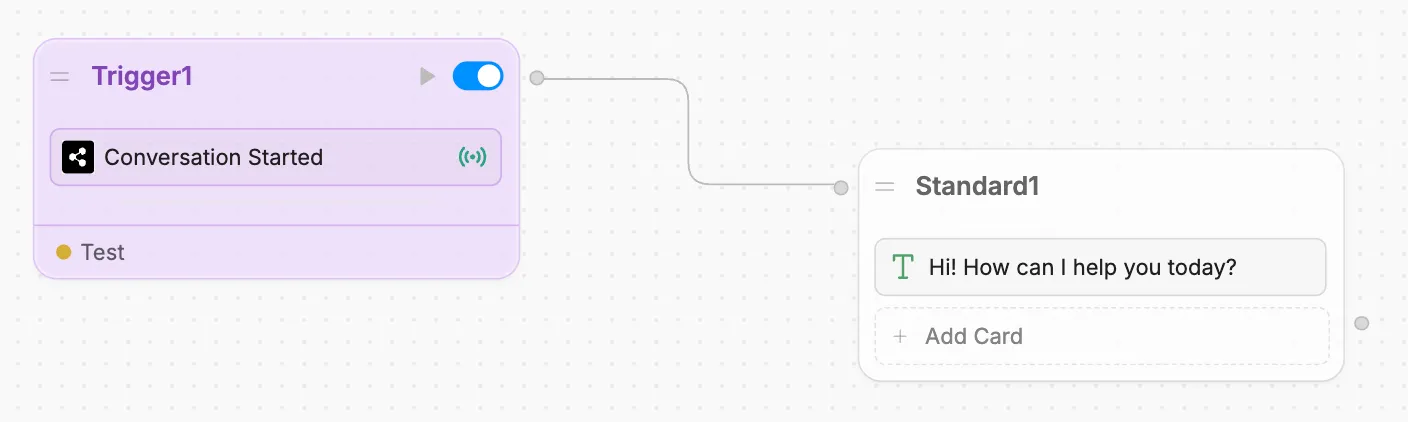
Trigger actions when conversation starts
You can make Webchat perform specific actions as soon as a user starts a new conversation. These actions execute before the user sends their first message, making them useful for:
- Sending a welcome message to the user
- Notifying a live agent that a user is chatting with the bot
- Pre-loading any data required for the conversation